'%3e%3c/ellipse%3e%3cpath%20d='M20.5%2023.5%20L3.4%2045.6%20L23%2031.8%20Z'%20fill='%23B4EE3A'%20stroke='%23B4EE3A'%20stroke-width='3'%20stroke-linejoin='round'%20stroke-linecap='round'%3e%3c/path%3e%3cpath%20d='M47%2020.5%20Q42%2033%2030.5%2036.5'%20stroke='%23FFFFFF'%20stroke-opacity='0.35'%20stroke-width='2.4'%20fill='none'%20stroke-linecap='round'%3e%3c/path%3e%3ccircle%20cx='30.2'%20cy='20.2'%20r='4.4'%20fill='%23FFFFFF'%3e%3c/circle%3e%3ccircle%20cx='28.9'%20cy='20.4'%20r='2.15'%20fill='%23101116'%3e%3c/circle%3e%3ccircle%20cx='27.9'%20cy='19.1'%20r='0.85'%20fill='%23FFFFFF'%3e%3c/circle%3e%3c/svg%3e)
The workplace catalogue, free for everyone, forever
No account, no paywall, no seat count. Watch it, share it, reuse it under CC-BY-4.0. 36 workplace modules across 9 categories, 0 with video.
Showing all categories
AI & Modern Threats
Deepfakes, AI voice-clone fraud, AI-written phishing at scale, and the 2026 attacks employees have never been trained for.
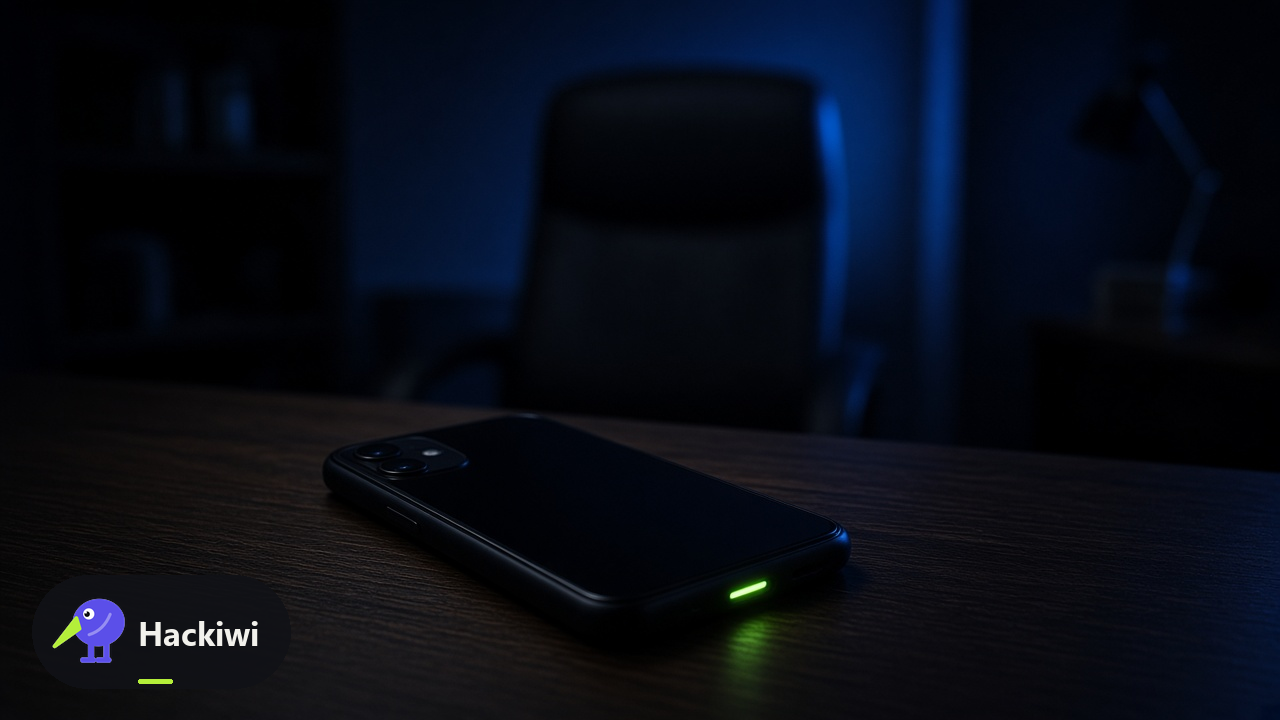
AI voice-clone fraud: the CEO and family-emergency scam calls
AI voice clones impersonate bosses and relatives. A familiar voice is not identity. Hang up and call a number you already have. FTC and CISA both warn that emergency-voice scams are current, not hypothetical.
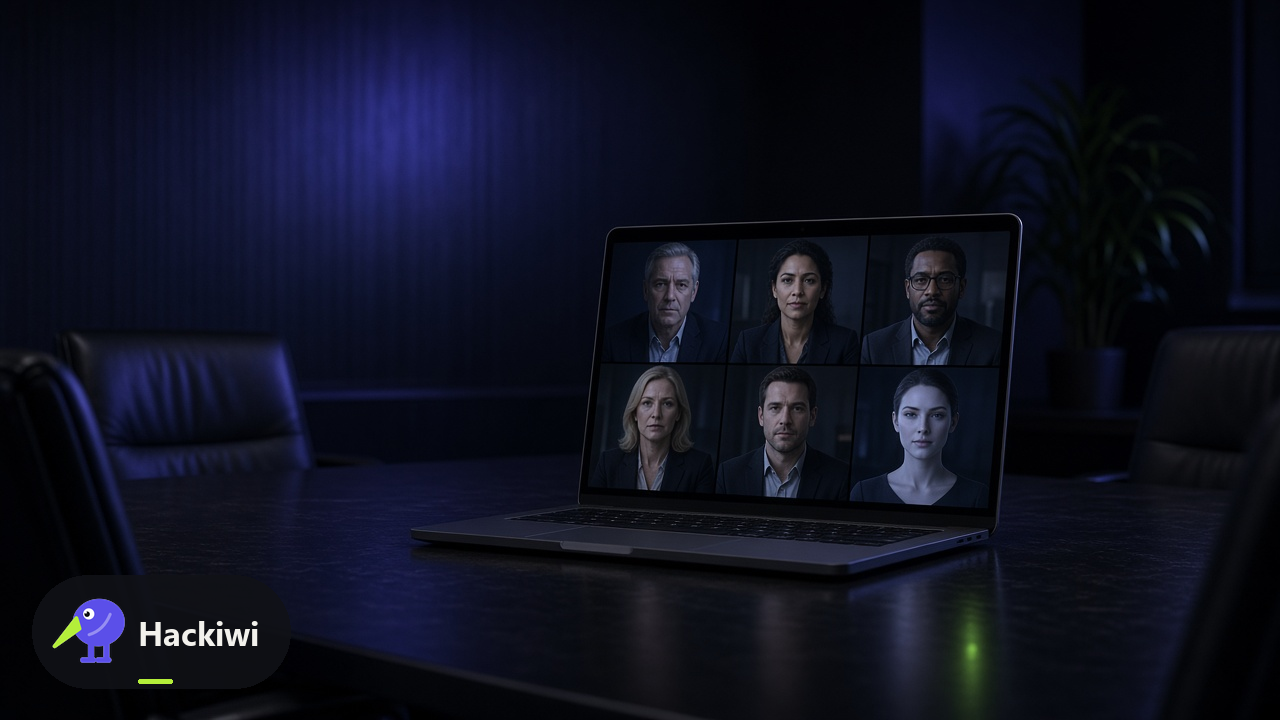
Deepfake video-meeting fraud: the fake CFO who authorised a transfer
Live deepfake meeting fraud put a fake CFO on a real-looking call and walked a payment out the door. Faces on a screen are not dual control. Verify on a channel the call did not choose. CISA frames this as an organisational threat.
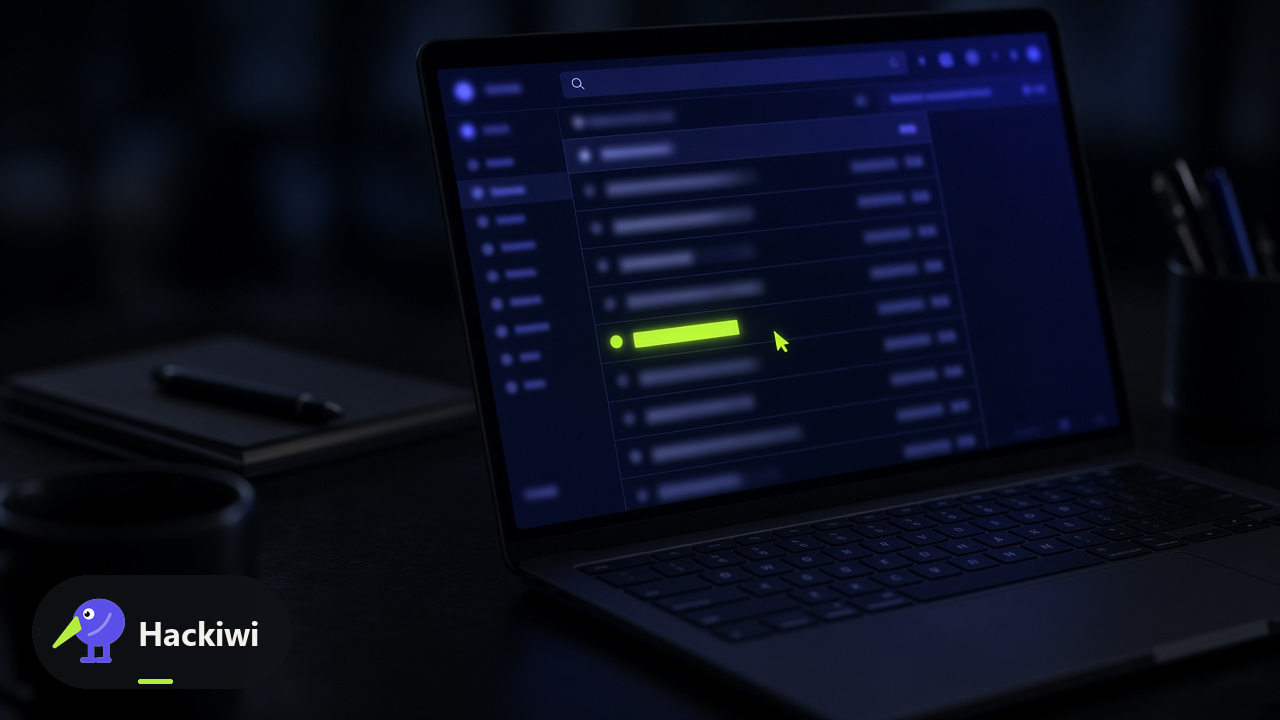
AI-generated phishing at scale: perfect grammar, personalised lures
AI-written phishing is fluent, personal, and high volume. Grammar is no longer a tell. Use the four flags from the core phishing module: action, urgency, channel mismatch, weak prop. NCSC and CISA still want independent verification and reporting.
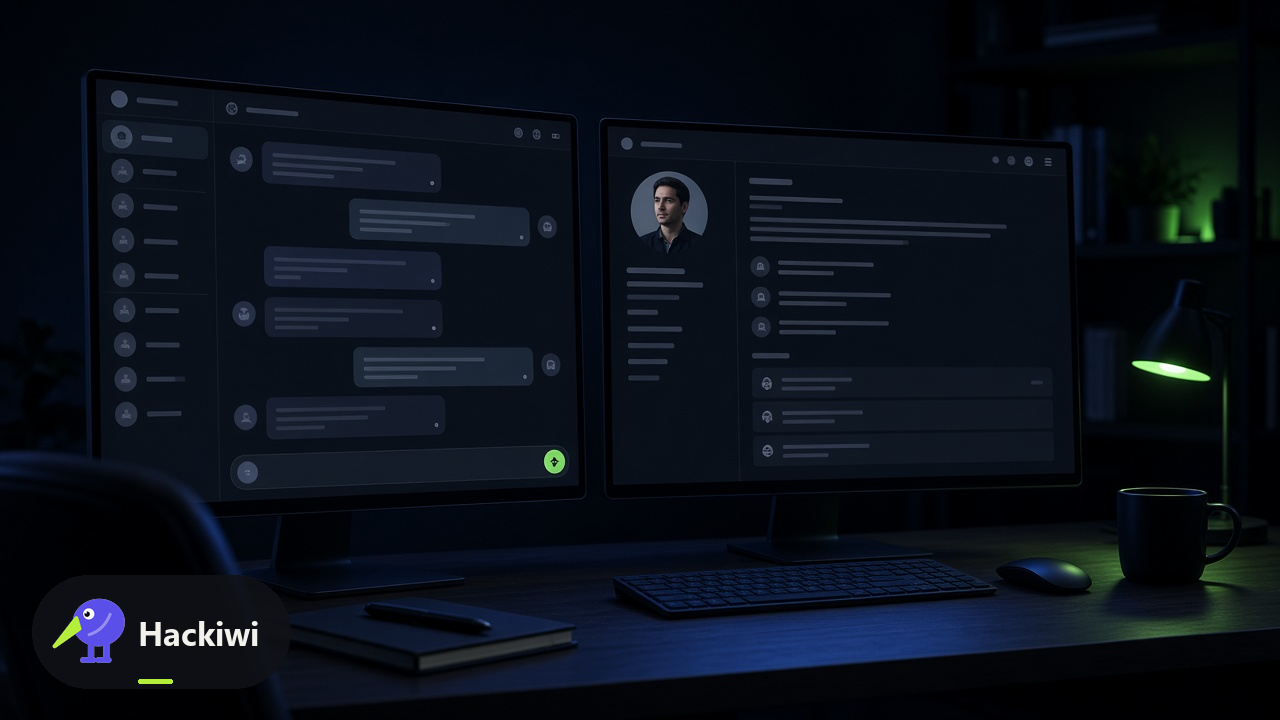
LLM-aided social engineering: chatbots as the attacker's research team
Attackers use chatbots as a research intern: your bio, your org chart, a plausible pretext. Anything you would not tell a stranger does not go into a public model. NCSC AI guidance: know where the data goes.
Prompt injection for employees: why pasting untrusted text into AI tools is risky
Prompt injection is hostile text that tries to override an AI assistant's instructions — including yours. OWASP LLM01. Do not paste untrusted emails, PDFs, or web pages into a tool that can send mail, pay, or retrieve secrets.
Malicious OAuth and AI-extension consent: the rogue assistant that reads your mailbox
Malicious OAuth and AI-extension consent is the same grant as third-party apps, with a shinier label. CISA has documented real campaigns abusing identity and helpdesk processes. Allow is still an access decision.
MFA fatigue and push-bombing: approving your way into a breach
MFA fatigue and push-bombing are how stolen passwords become sessions. CISA: number matching as an interim control, FIDO as the destination. Never approve a prompt you did not start.
Callback phishing (TOAD): the invoice that wants you to phone them
Callback phishing (telephone-oriented attack delivery, TOAD) is an invoice or voicemail that wants you to phone them. CISA has warned on these campaigns. Do not call the number in the lure. Use the number on the contract or the directory.
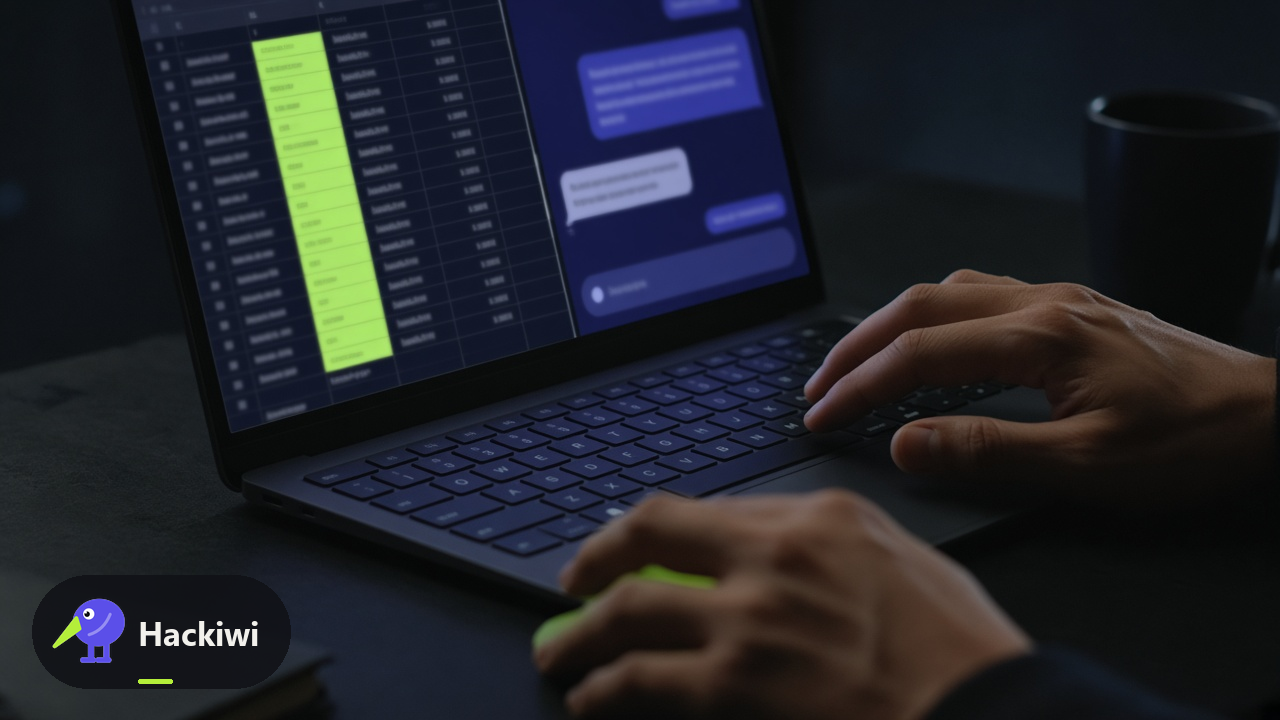
Shadow AI: data walking out through unapproved AI tools
Shadow AI is work data leaving through an unapproved model: customer names in a consumer chatbot, source in a free copilot. NCSC: know where prompts go. If IT cannot tombstone it when you leave, it should not go in.
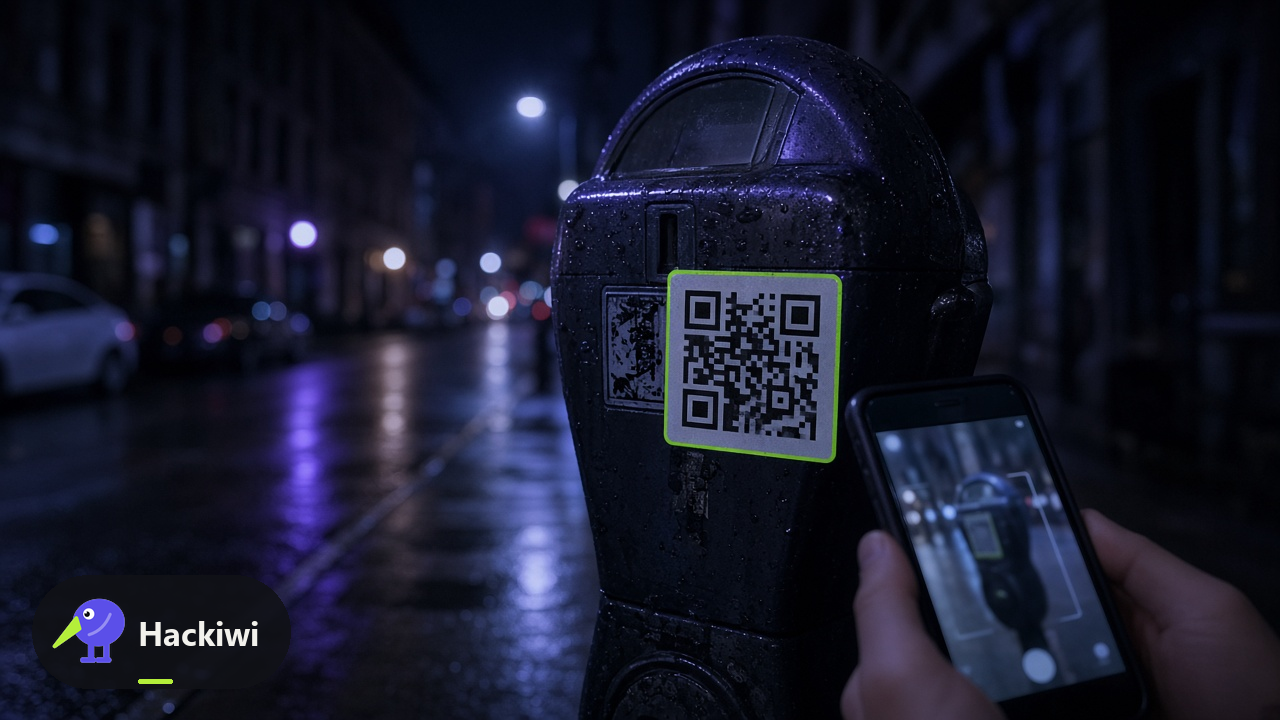
Quishing: QR-code phishing, refreshed for 2026
Quishing is phishing via QR code. MITRE still files it under phishing. CISA and NCSC: the destination URL is the issue, not the square. Do not scan codes that arrived on a flyer, a mail, or a parking machine you did not expect.

Deepfake executive impersonation on social media
Deepfake executive impersonation on social media is a clip designed to move markets, staff, or customers. CISA's deepfake context includes influence as well as fraud. Do not trade, pay, or pile on until comms confirm on a channel they already own.

Deepfake media basics: how synthetic video and audio are made
Deepfakes are synthetic audio and video generated from samples of a real person. They are a media-literacy problem first: you cannot trust a face or a voice on a channel the requester chose. CISA's joint advisory is the map.
Phishing
Email, SMS, voice, QR, and platform-based phishing.
Spot a Phishing Email
Almost every phishing variant shares four red flags: an action ask, urgency, a channel mismatch, and a credibility prop that does not quite hold. Learn the pattern, verify out of band, and report before you click.
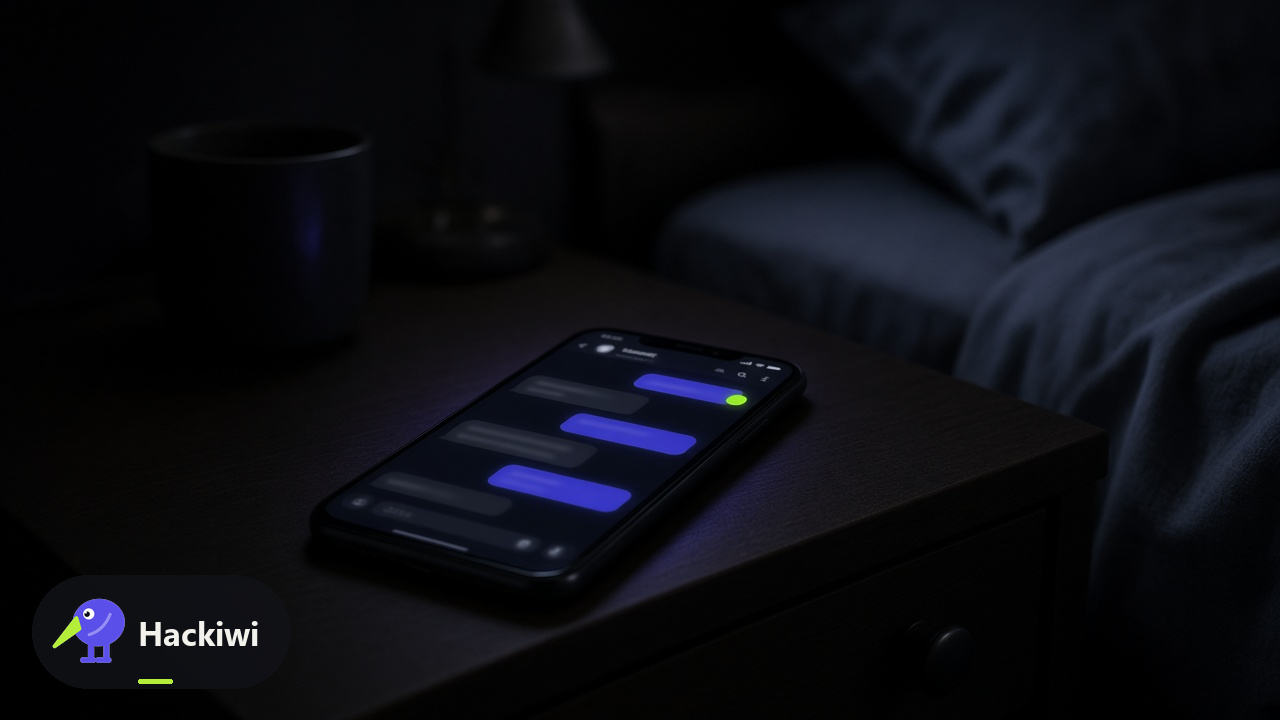
Smishing: Text-Message Scams
Smishing is phishing by SMS. Package, bank, tax and IT-helpdesk lures bypass the email stack and land on a phone people trust. Never tap the link. Open the official app, report the message, lock the account if you typed anything.

Spear Phishing: When It Is Personal
Targeted phishing uses real names, projects and threads so the lure feels internal. Verify unusual requests out of band, report the message, and contain quickly if you already acted.
Social Engineering
Pretexting, baiting, physical intrusion, and manipulation.
Pretexting: The Convincing Story
Pretexting is a fabricated cover story, not a scary link. The attacker becomes a plausible person with a plausible reason. Verify identity on a channel you already had before you reset MFA, share a file, or move money.
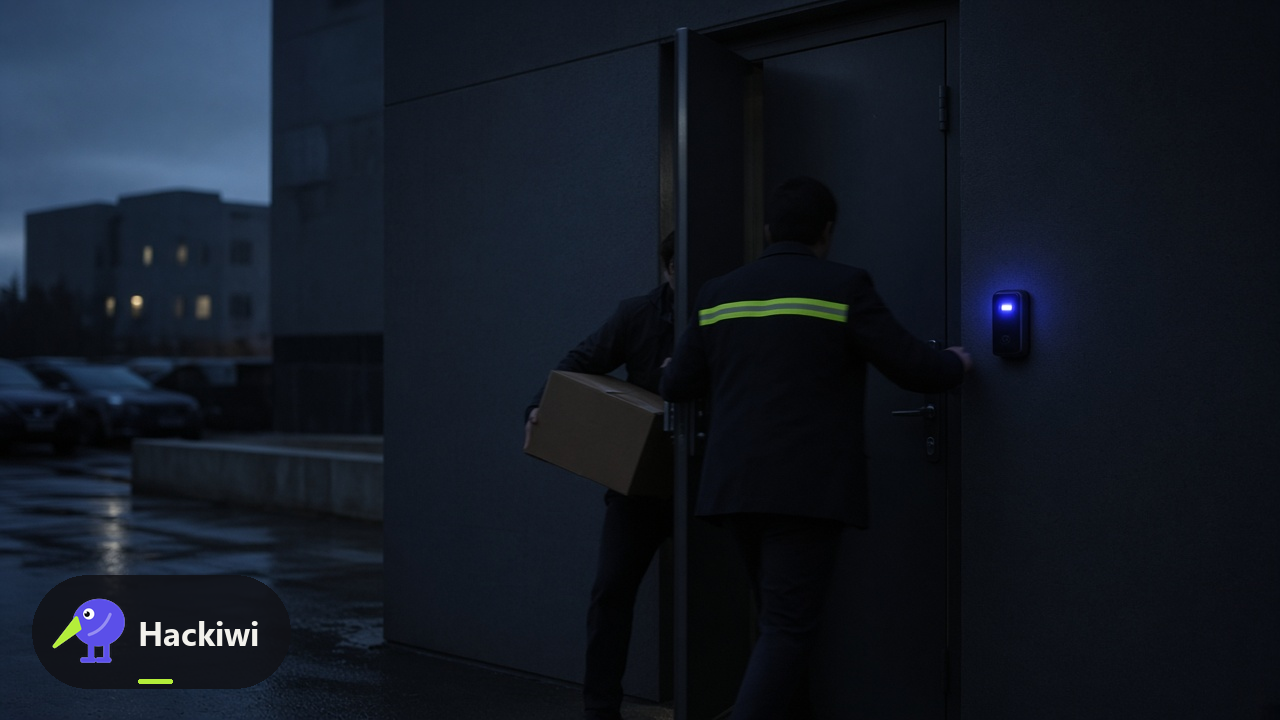
Tailgating and Physical Access
Tailgating is unauthorised entry by following someone through a controlled door. Wear the pass, let the door close, challenge or report people without a pass. Courtesy is not a control.

The Urgency Trap
Urgency plus secrecy is the payload of almost every social-engineering attack. Slow the request down on a channel you already had. Real emergencies survive a two-minute check.
Passwords & Authentication
MFA, passkeys, password managers, and credential attacks.
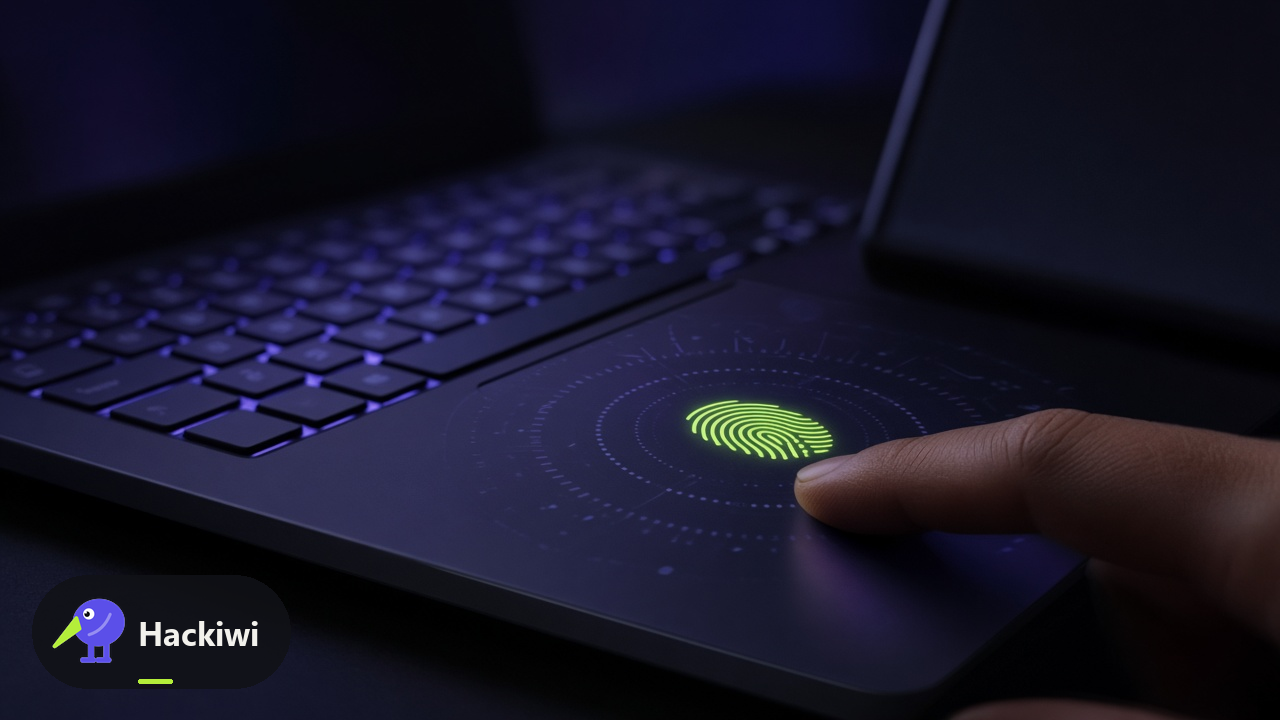
Passkeys and Passwordless Login
Passkeys are FIDO/WebAuthn credentials bound to the real site. They cannot be typed into a fake page. Prefer them over SMS codes. CISA treats FIDO as phishing-resistant MFA.
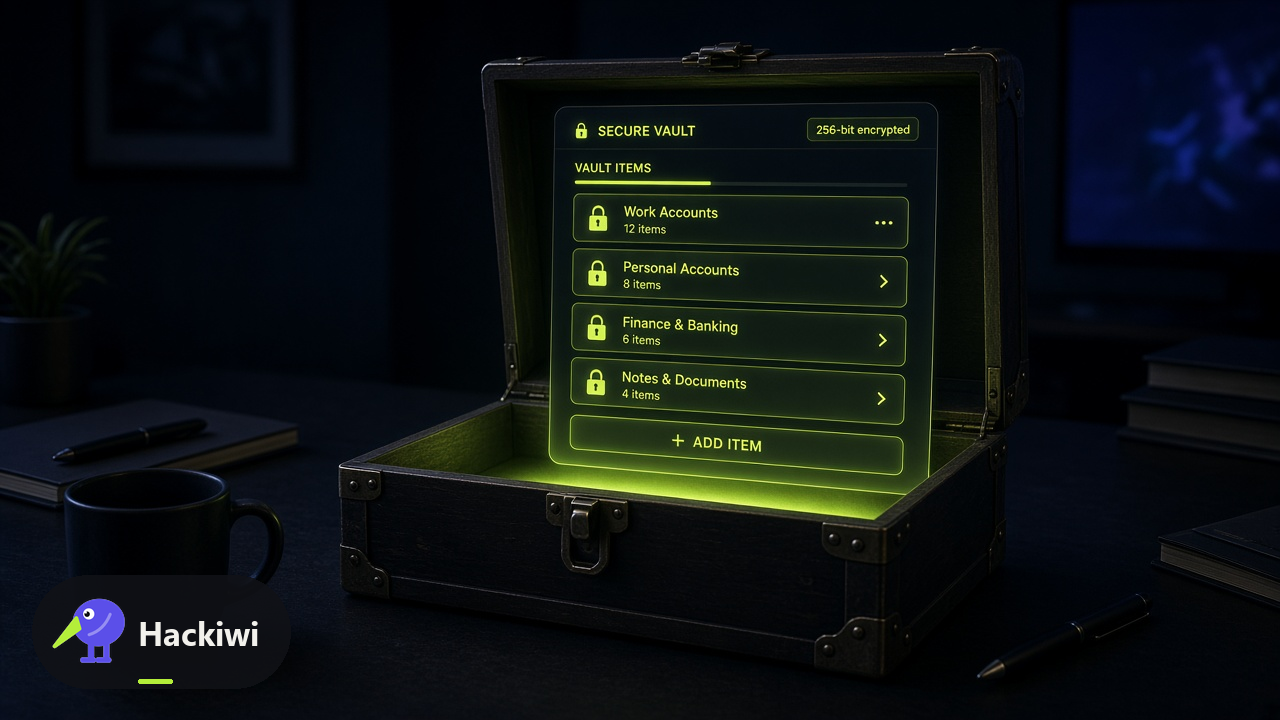
Password Managers in 5 Minutes
NCSC recommends a password manager so every account can have a unique secret you do not reuse. Turn on 2SV on the manager itself. Never paste a vault password into a page you did not open.
Multi-Factor Done Right
Any MFA beats a password alone. Phishing-resistant MFA (FIDO/WebAuthn) is the destination. Number matching on push is a stopgap. Never approve a prompt you did not start.
Cloud & SaaS
Account takeover, OAuth consent, and third-party risk.
Sharing Links Safely
A sharing link is a door. Anyone with the URL may get in. Prefer named people over 'anyone with the link', expiry over forever, and a second look before you paste a link into chat.
Third-Party App Access
OAuth consent and 'allow this app' are privileged decisions. A malicious app can read mail or files without a password. Review connected apps. CISA has warned about malicious OAuth use in real campaigns.
Shadow IT: The Tools Nobody Approved
Shadow IT is a work tool nobody approved: a free AI, a personal drive, a side Slack. It bypasses backup, identity, and legal. Use the approved list or ask IT before the first file goes in.
Compliance
NIS2, DORA, GDPR, ISO 27001, and SOC 2 in plain language.
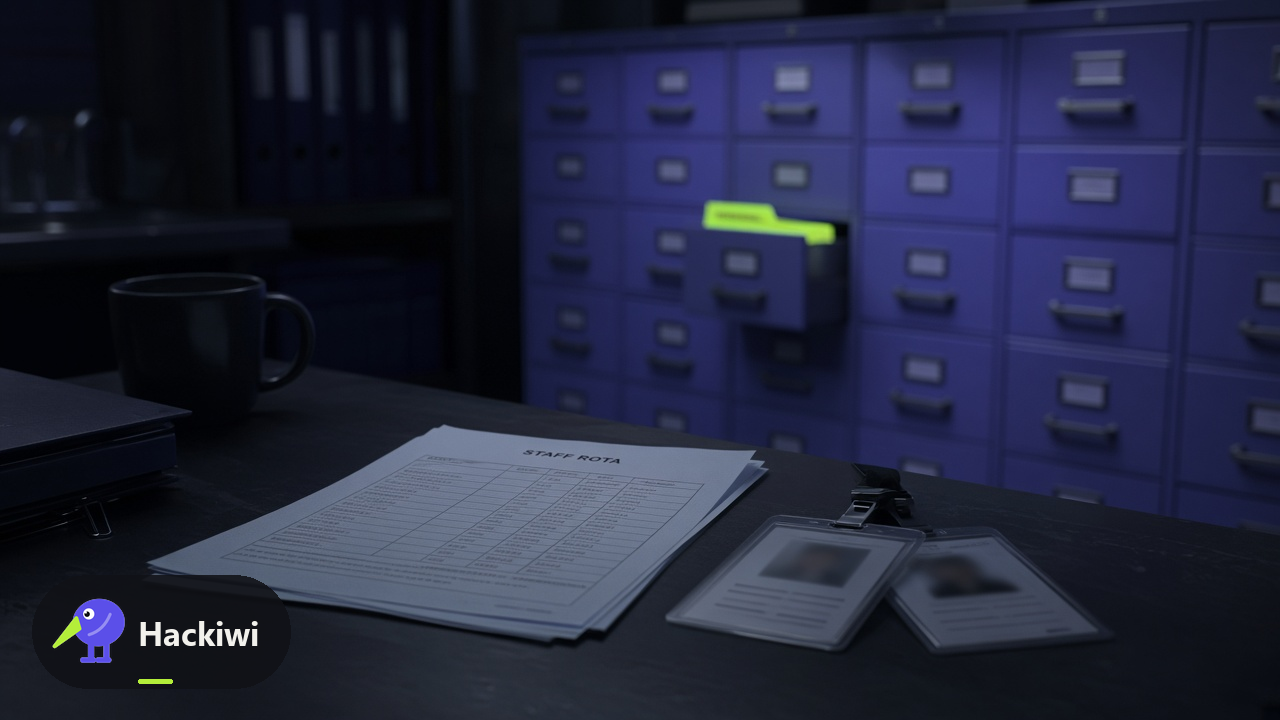
GDPR in Plain Language
GDPR in this lesson is the practical duty: personal data is about people, you use the minimum, you keep it safe, you do not send it to the wrong place. The ICO's principles are the map, not a law degree.

Handling Sensitive Data
Sensitive work data is anything that would hurt a person or the organisation if it leaked: HR, health, cards, unpublished numbers, credentials, customer files. Label it, least access, approved tools, no screens on trains.

Clean Desk, Clean Screen
A clean desk and locked screen stop the cheapest insider and visitor threat: the paper, the USB, the unlocked session. ISO 27001 still expects this. Lock every time you stand up.
Foundations
How attackers think and the baseline habits that stop them.

How Attackers Think
Attackers chain OSINT, a convincing story, and a person who can click or approve. They do not need to be geniuses. They need one helpful employee. Your job is to break the chain with a check they did not choose.
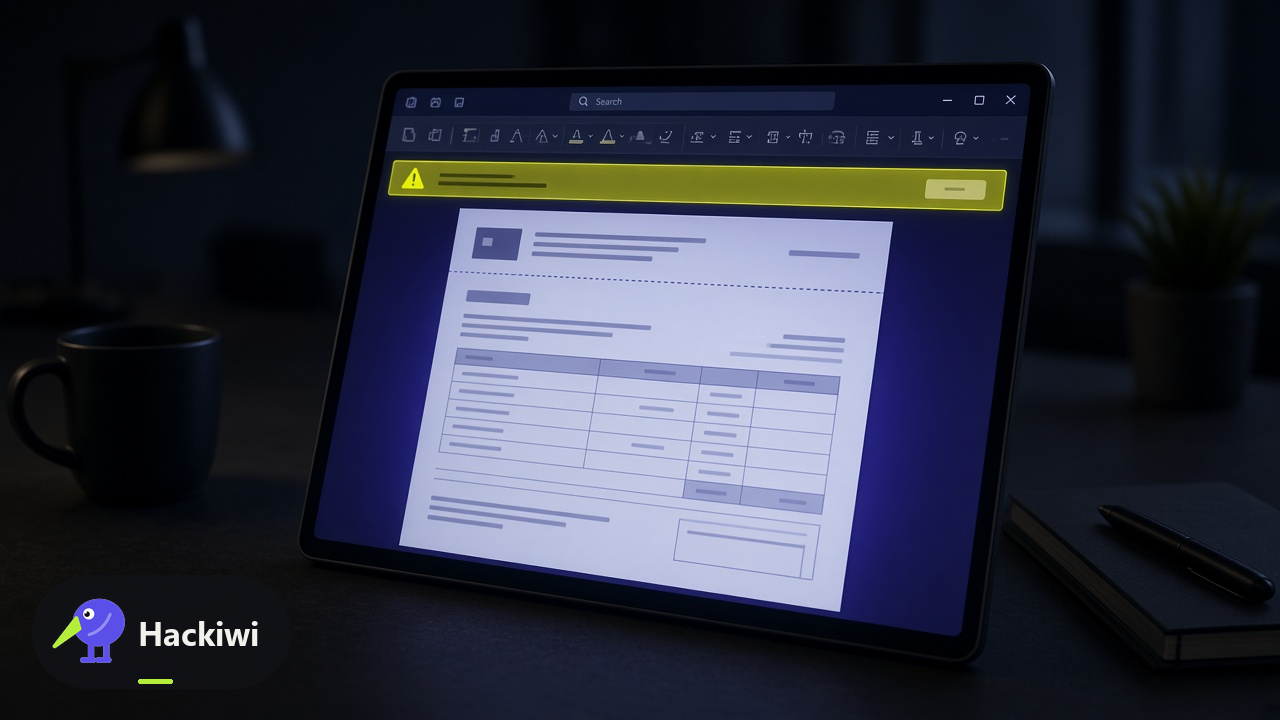
What Is Malware, Really
Malware is software acting against you: steal, encrypt, spy, or persist. You do not need to name the family. You need not to run the lure, and to report fast if you did. CISA's Stop Ransomware guide is for organisations; your part is the click and the report.

Your Role in Security
Security is not only the security team. ISO 27001 A.6.3 is awareness; A.6.8 is reporting. Your role is the check, the lock, and the report — not to become an analyst.
Remote Work
BYOD, home networks, public wifi, and video-call security.
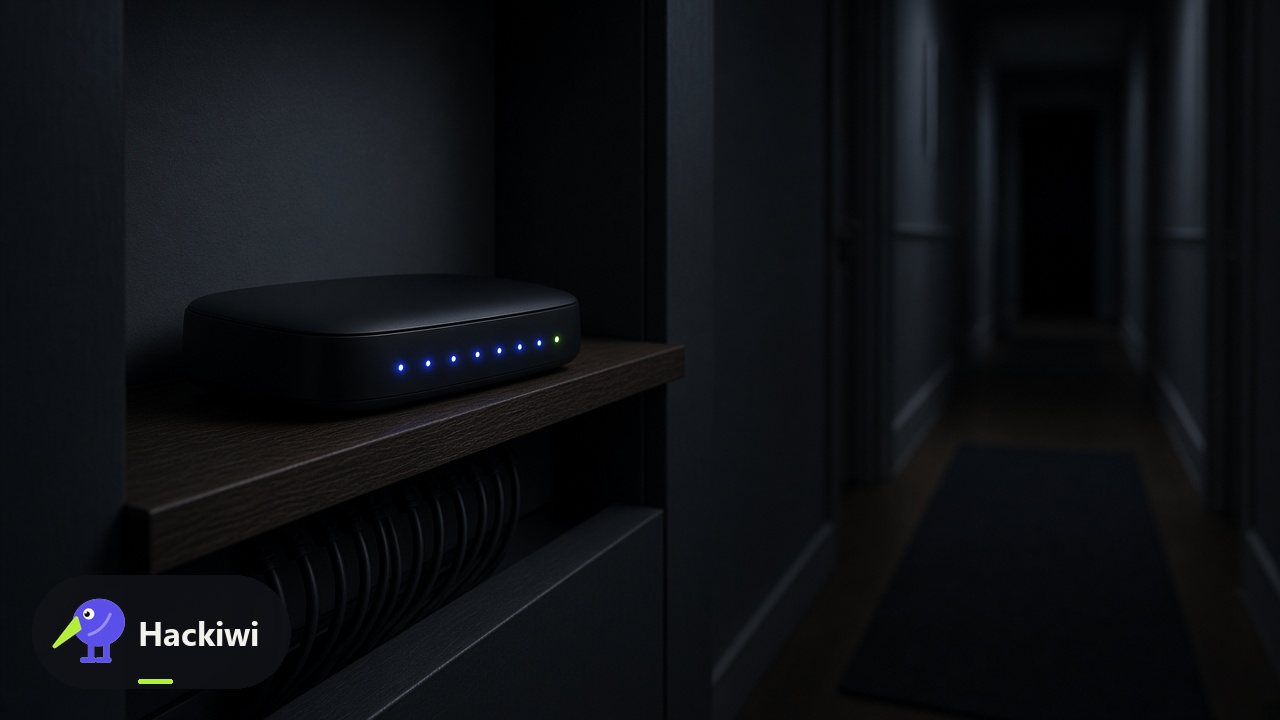
Home Network Basics
Home networks are in the attack surface when you work from them. NCSC small-business and home advice: unique router password, updates, separate work device if issued, caution with IoT. You are the administrator nobody hired.
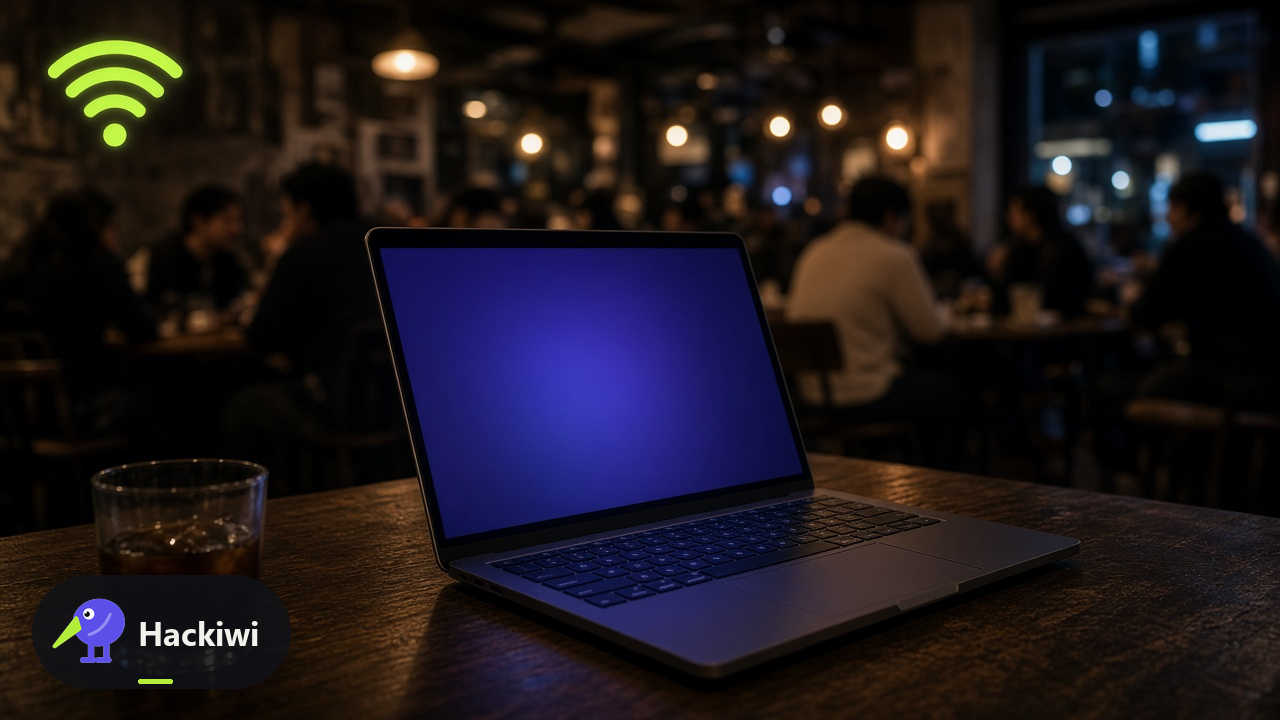
Public WiFi and VPNs
Public Wi-Fi is an untrusted network. NCSC: prefer your phone's hotspot or a known VPN your organisation issues. Do not do banking or work logins on cafe Wi-Fi without that protection. Never accept a surprise certificate warning.

Personal Devices at Work
Personal devices at work mix two threat models. If the organisation did not enrol the phone, it is not a work endpoint. Keep work in the work container or laptop. NCSC device guidance: manage what you can, isolate what you cannot.
Incident Reporting
When and how to report, and how to preserve evidence.
Report It Fast
Reporting a lure or a miss starts containment. NCSC and CISA both ask the public and staff to report phishing and incidents quickly. You will not be punished for a good-faith report. Waiting is the expensive choice.

What Happens After You Report
After you report, IT may reset passwords, isolate a laptop, or ask you not to touch it. That is containment, not punishment. NCSC incident management: preserve evidence, communicate, recover. Your part is to follow the next instruction.
You Clicked. Now What?
A click is not the end of the story. Disconnect if you were told to, do not enter more secrets, and report immediately. CISA and NCSC both treat rapid reporting after a suspected compromise as the difference between a reset and a ransomware weekend.
For specific audiences
The catalogue above is workplace training. These are separate lessons, written for a household, older adults, newcomers or journalists, not for employees. Open a group to read what has been published for them.
No account needed. Your progress is kept in this browser and never sent to us.